
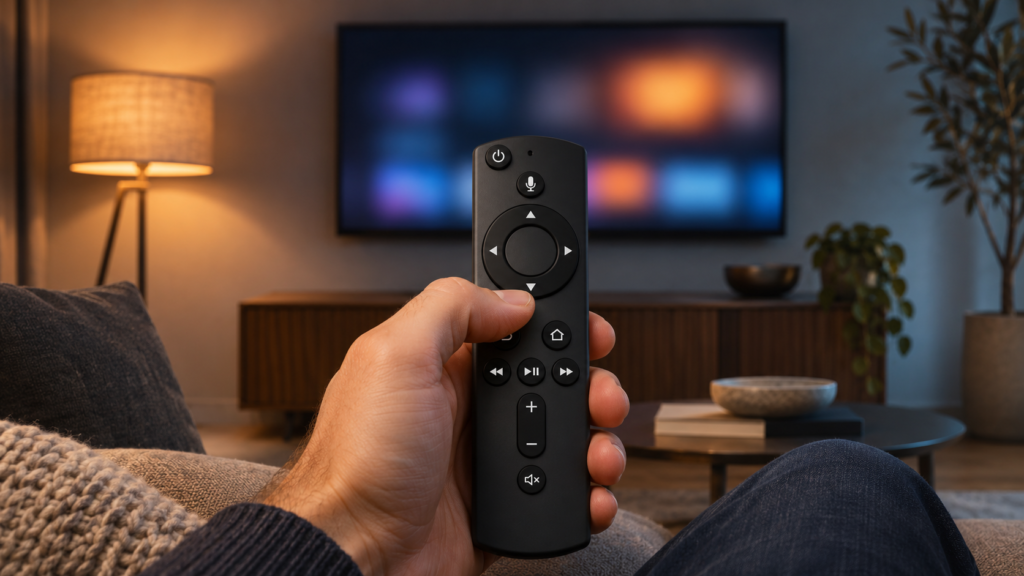
One of the most useful tests for a TV app takes a single button press. Open the app from a fresh launch, look at the screen before touching the remote, then press Down once.
On an early Fire TV test build for Build My TV App, the Home screen loaded and the Featured row was right there. But nothing looked selected. When we pressed Down, the first card in Featured lit up. The app had responded, but we were still in the same row. From the couch, that first press felt like it hadn’t taken you anywhere.
After the fix, we tried two fresh launches on the same Fire TV. Both times, the first Featured card was visibly selected before we touched the remote. One press of Down took us straight to the next row.
That’s why I keep a real remote in the testing process. On a desktop, you can click the card you want and move on. On a TV, the highlight tells you where you are and what will happen when you press Select. If you’re building your own channel, try that one-button test before you submit. You’ll learn something before you even start a video.